Do you have a list of addresses in a spreadsheet that you need to geocode—that is, find the matching latitude/longitude coordinates for? Maybe you have a list of latitude/longitude coordinates that you need to convert into addresses? If the locations are in the US or Canada, just use Geocodio!
Whether you're looking to turn a spreadsheet of addresses into a map, analyzing geographic data, or building other location-based features, Geocodio's spreadsheet geocoding tool makes it simple to convert between addresses and coordinates in bulk.
Geocodio also makes it simple to as enrich your location data with a variety of different data appends. You can, for example, also find the matching Census tracts, Congressional districts, timezone, average household income, and many more pieces of data. All we need is an address or latitude/longitude pair.
When you're ready, go ahead and navigate to our Spreadsheet Upload tool. Our spreadsheet geocoding tool is designed to be as easy to use as possible. Just grab your spreadsheet and let's go!
Here's How to Geocode a Spreadsheet with Geocodio
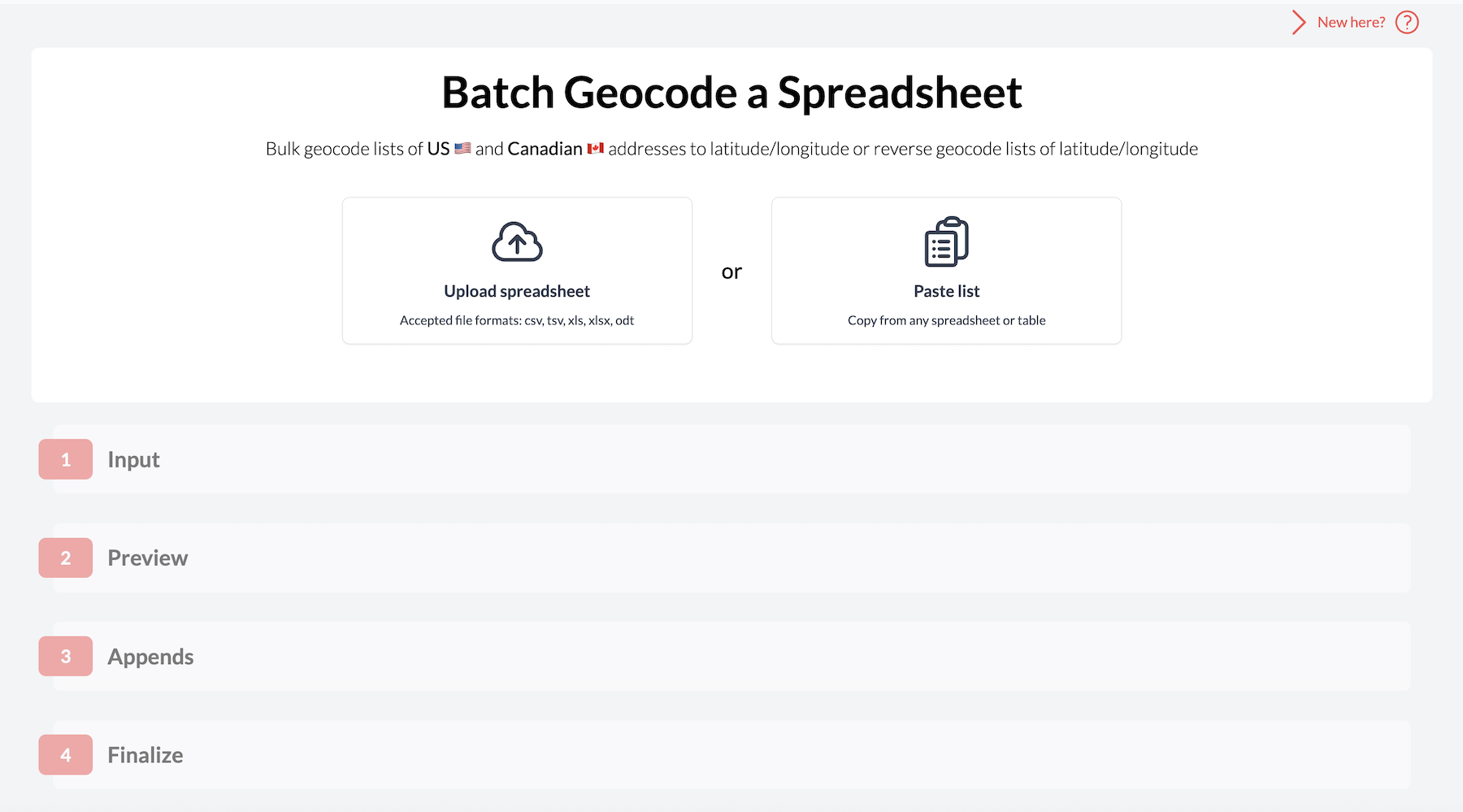
1. Upload Your Spreadsheet
Upload your spreadsheet by selecting the file from your device or pasting the list directly into our platform. We'll process your data, then verify that we're reading the file correctly.
You can geocode the following spreadsheet file types with Geocodio: .CSV, .XLS, .XLSX, .TSV, .ZIP
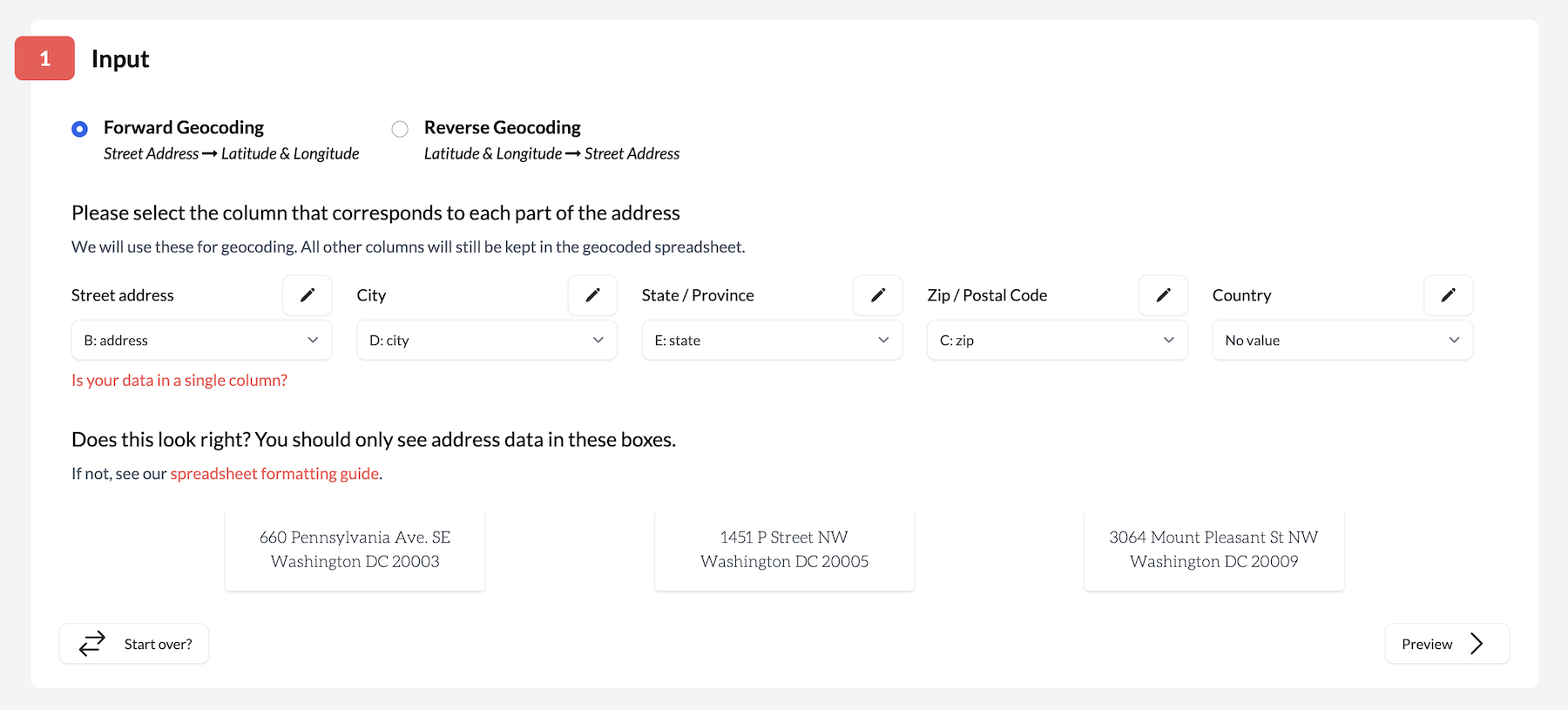
2. Match Your Columns
Geocodio automatically detects which columns contain your address data, but you can adjust these manually if we got something wrong. Geocodio will show you a few different samples from your spreadsheet so you can make sure everything looks right.
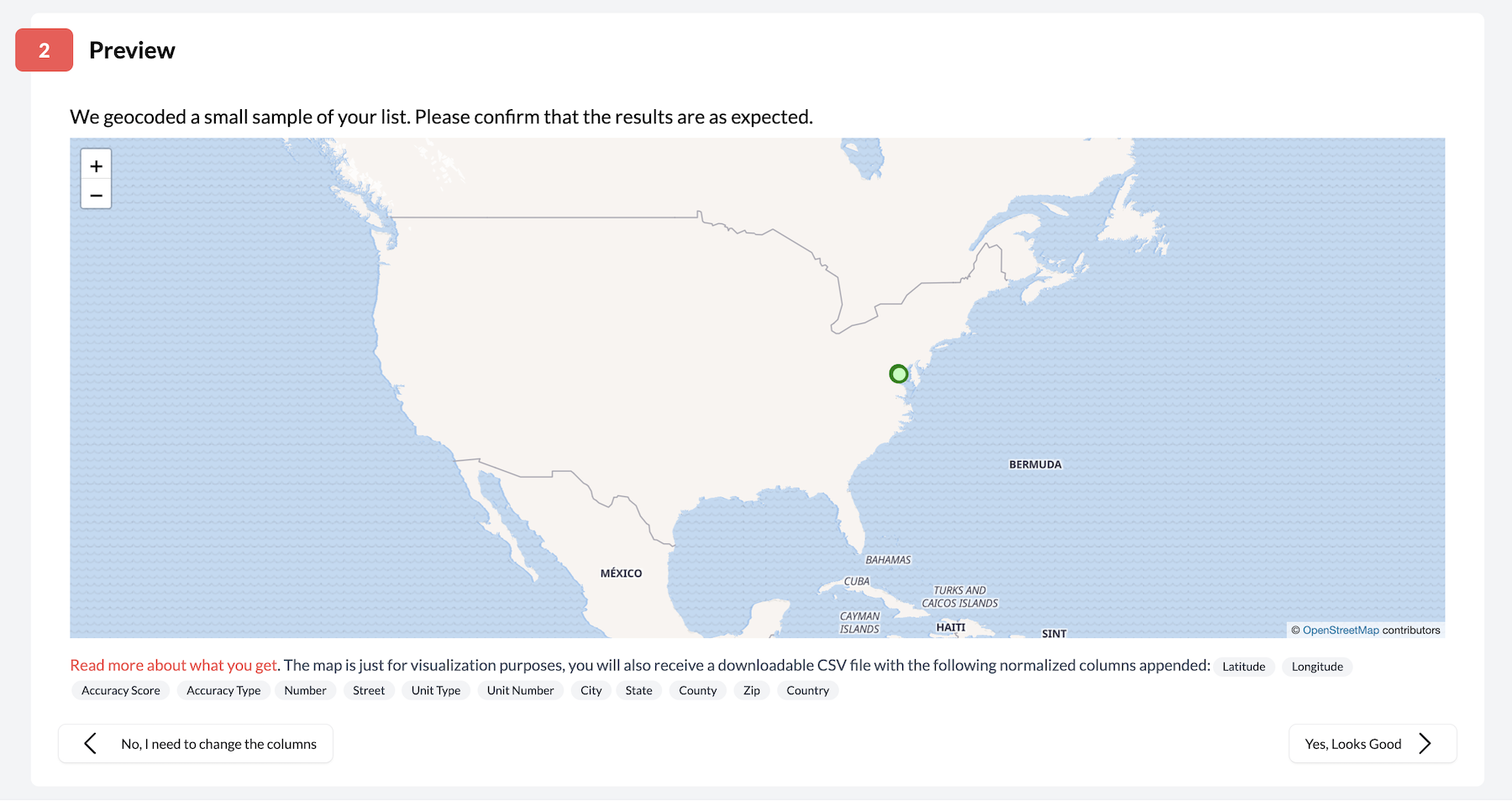
3. Preview Your Data
Take a look at a sample map that visualizes some of your addresses plotted to their locations. If the locations look accurate, then chances are we're reading your data accurately and are ready to proceed.
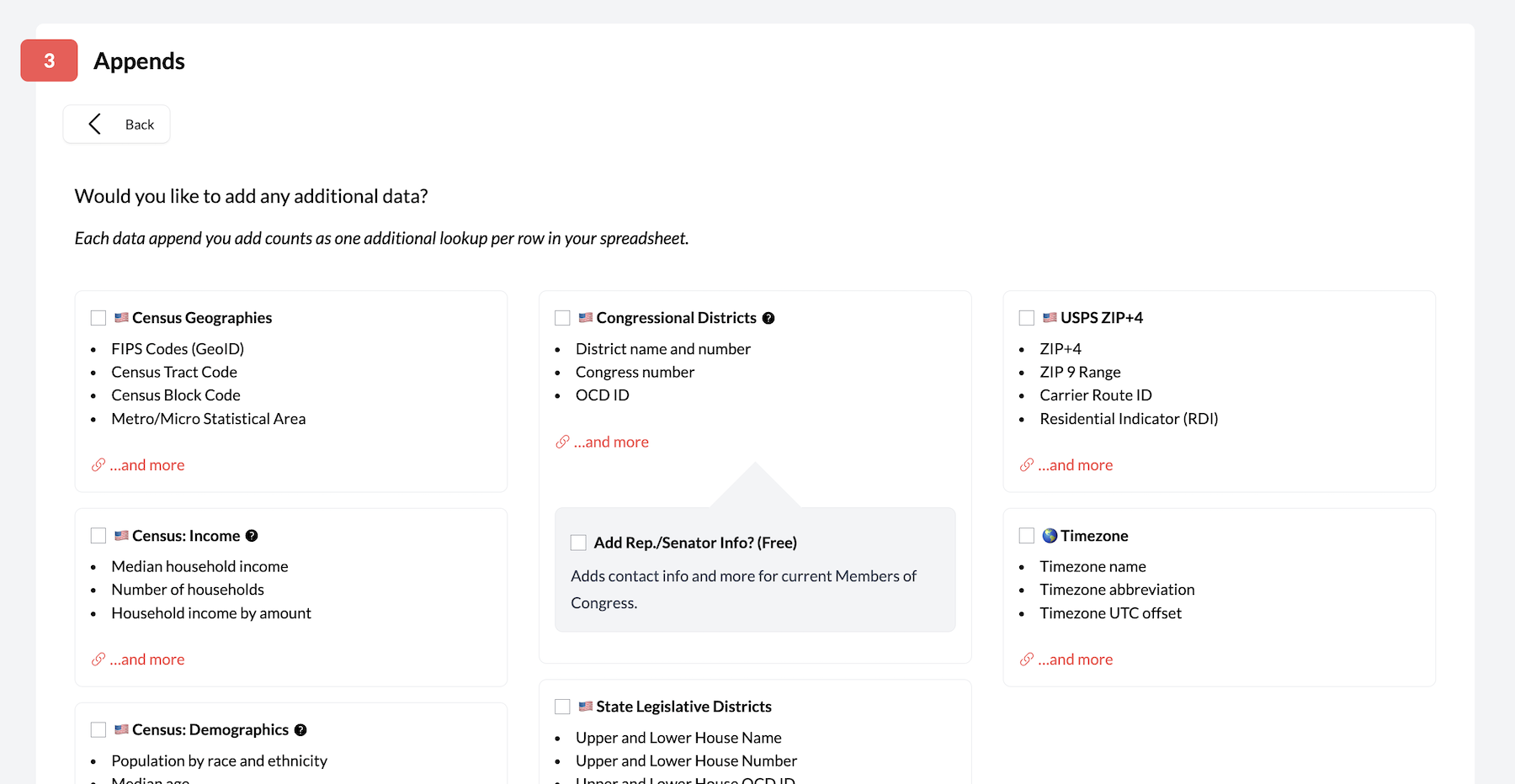
4. Choose Your Data Appends (Optional)
Want extra information beyond just coordinates? You can add fields like Census geographies, demographics, zip+4, time zones, congressional districts, state legislative districts and more.
Each append uses additional lookups, so this step will save you time in data joins later but increase your total cost. It's completely optional and you can click to proceed without selecting anything if you just need basic geocoding.
5. Get Your Results
Once you've confirmed the upload, Geocodio will automatically add latitude, longitude, the parsed address, accuracy information, and any selected appends to your spreadsheet. All your original data stays exactly where it was! Geocodio won't overwrite any of your existing columns.

Three Simple Rules for Successful Geocoding
Include Headers
Put column headers in the first row of your spreadsheet (like "Address", "City", "State"). You can name them whatever makes sense to you - we're pretty good at figuring out what's what!
Stay Consistent
Either split your addresses/coordinates into separate columns (latitude | longitude) OR put everything in one column (Latitude,Longitude), but don't mix and match within the same spreadsheet.
You also need to run forward and reverse geocoding separately. If you have addresses you need to convert to coordinates and coordinates to convert to addresses, you'll need to run two separate lists.
Formatting Examples
Multiple-Column Format
| Address | City | State | Zip Code | County |
|---|---|---|---|---|
| 660 Pennsylvania Ave SE | Washington | DC | 20003 | US |
| 1718 14th St NW | Washington | DC | 20009 | US |
| Latitude | Longitude |
|---|---|
| 43.65687 | -79.380951 |
| c38.885496990291685 | -77.09966660383554 |
Single Column Format
| Full Address |
|---|
| 660 Pennsylvania Ave SE Washington, DC 20003 |
| 1718 14th St NW Washington, DC 20009 |
Latitude/longitude should be given in latitude/longitude order and separated by a comma, as shown below.
| Coordinates |
|---|
| 43.65687,-79.380951 |
| 38.885496990291685, -77.09966660383554 |
More Info = Better Results
Include as much address info as you can. For the most accurate results, we need at least a street address plus either a city/state combo OR a zip code.
Upload Your Spreadsheets via API
As an alternative to our spreadsheet upload tool, you can also upload spreadsheets programmatically by using our Lists API. These unique API endpoints allow you to integrate spreadsheet uploading into your own system to save you the effort of manually uploading each file - a perfect option for bulk geocoding!
Click here for more information on our Lists API
Pro Tips
Don't worry if you're missing a piece of data (like ZIP) - we'll geocode what we can!
Working with Canadian addresses? Make sure to "Canada" in a "Country" column
We only add new columns - all your existing data stays safe
For more tips and trick on retrieving the most accurate possible results, check out our guide on spreadsheet formatting.
Need a Hand?
Questions? Stuck on something? We're here to help! Drop us a line at support@geocod.io